





Article
Keep Your Website Working: A Free Guide to Blogging, Social Media and Local SEO
You’ve invested in a website. It explains your services, looks professional and gives customers somewhere to find you.
But what happens after launch?

For many small businesses, the website stays much the same while their Facebook page gets all the attention. New projects, useful advice and business updates appear on social media, then gradually disappear down the feed.
With a little planning, that same content can work much harder. Start with a useful article on your website, then share it through social media and your Google Business Profile.
At Moose Digital Media, we’ll show our website customers how to do this themselves, with access to their website’s blog feature and free training.
Give customers more reasons to find you
Your main website pages explain what you do. Blog articles let you explore the questions, projects and details that don’t fit neatly onto those pages.
For example, you could write about:
- A recent project and how you approached it.
- A question customers regularly ask.
- How to choose between your products or services.
- Seasonal advice relevant to your business.
- What customers should know before booking or buying.
Each published blog article creates another page on your website. A helpful, relevant page gives people another opportunity to discover your business and understand what you offer.
Updating an existing page is valuable too, although it doesn’t create a new page. Keep your service information, photographs and contact details accurate as your business develops.
The aim is to build a useful resource that reflects your experience and helps customers make decisions. Google’s guidance favours helpful content written for people, rather than publishing simply to make a website appear fresh.
You already have something worth writing about
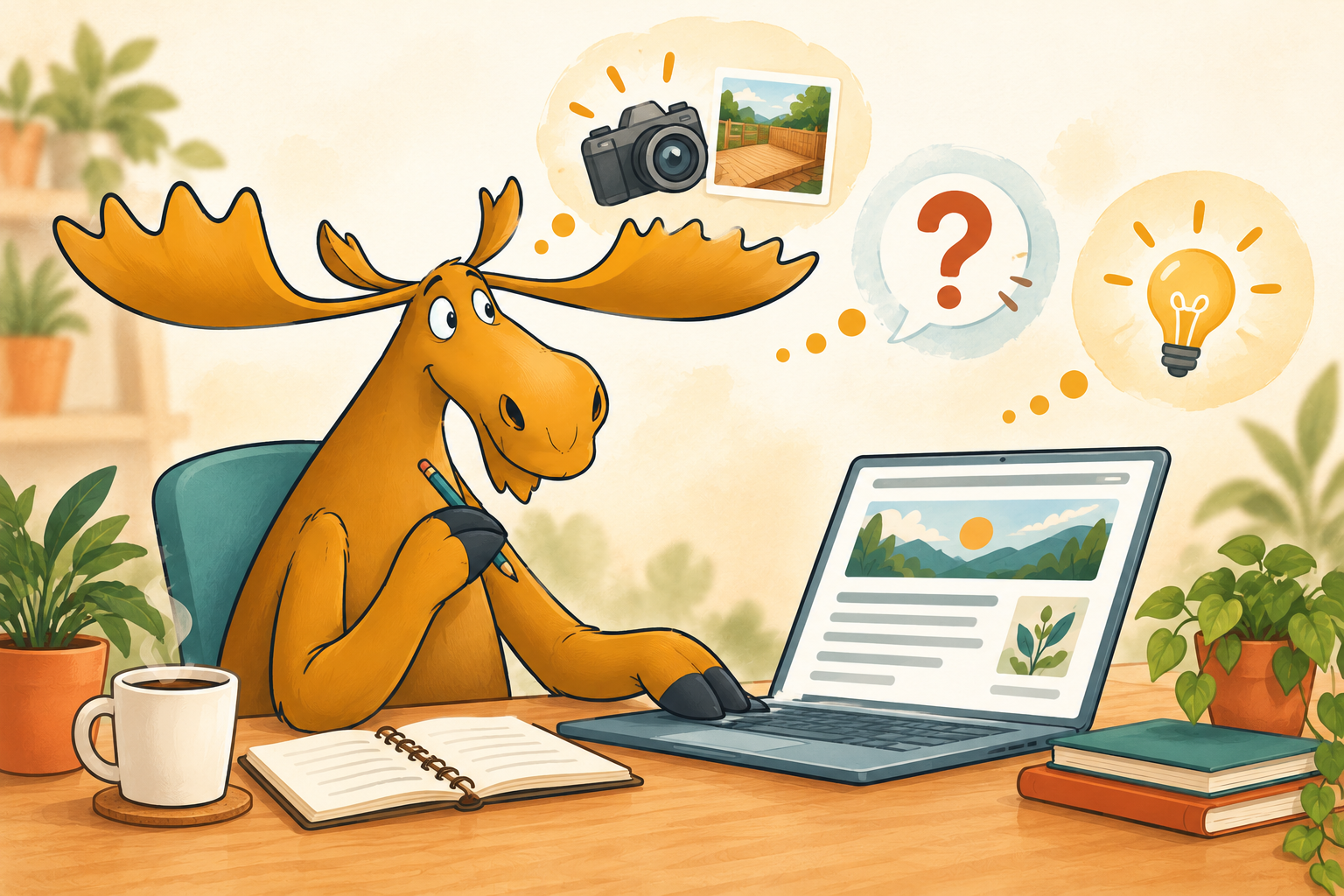
“I wouldn’t know what to write” is something we hear regularly.
Yet business owners explain their work every day. You answer questions, recommend products, solve problems and help customers understand their options.
That knowledge is your starting point.
If you run a catering business, explain how to plan welcome drinks. If you’re a tradesperson, show how you solved a recent problem. If you run accommodation, share practical advice for guests visiting your area.
Choose one subject and explain it clearly. Add your own experience and original photographs where possible, with permission where needed.
You don’t need to write an essay. You need to answer the reader’s question.
We’ll help you get the SEO foundations right
Search engine optimisation can sound complicated. Much of the groundwork involves making your subject clear and organising the information well.
Our free training will show you how to:
- Choose a topic and relevant search terms.
- Write a clear title and main heading.
- Organise the article with useful subheadings.
- Use keywords naturally within the text.
- Add photographs and appropriate image descriptions.
- Link to relevant services or other helpful pages.
- Set the page address, SEO title and search description.
For an Isle of Wight business, local references can be useful when they genuinely relate to the article. A real project in Ventnor or advice for Island customers provides meaningful context.
There’s no need to squeeze a place name into every paragraph. Clear, useful writing comes first. Google recommends using the words people search for in descriptive places such as titles and headings.
Publish once, then share the story
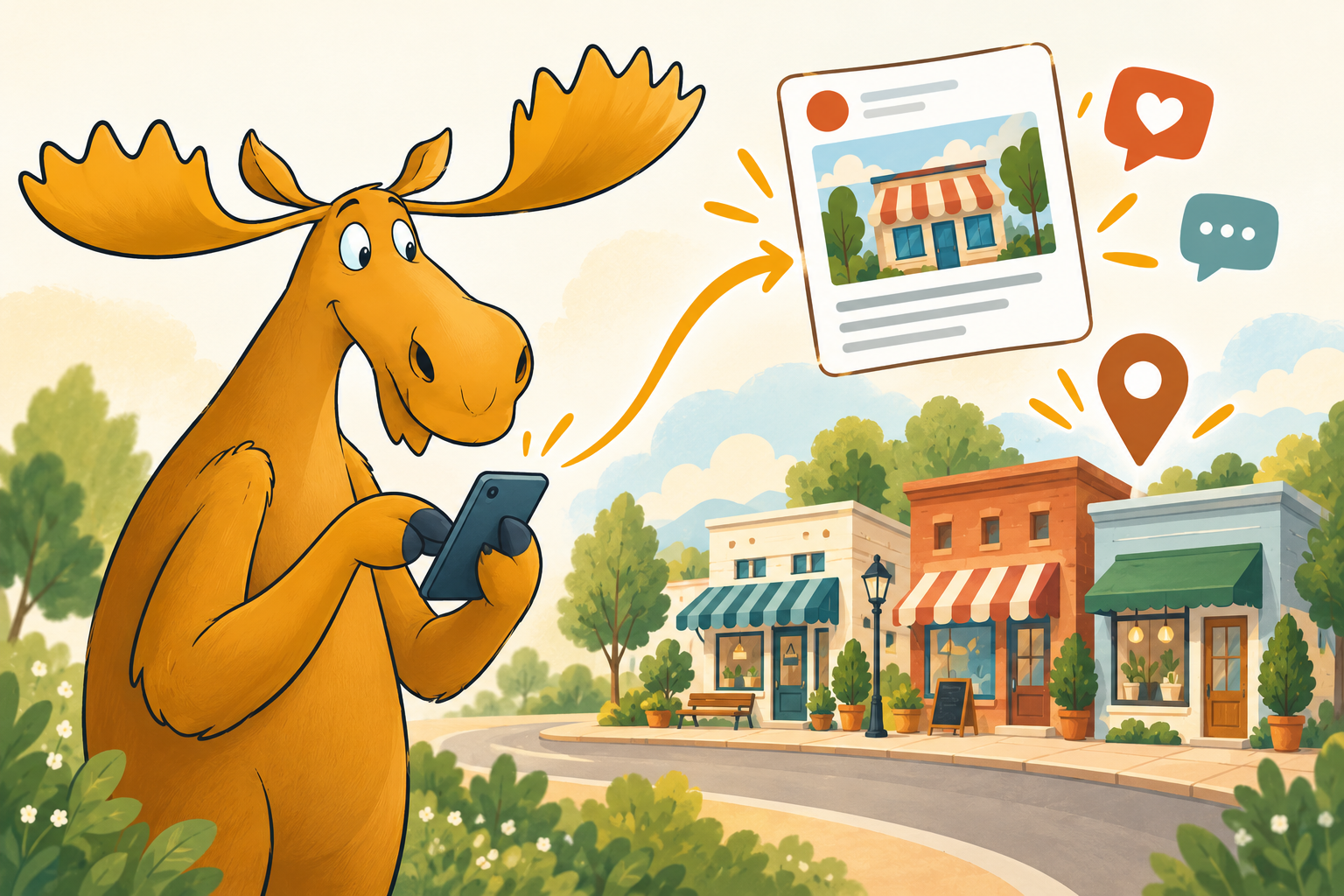
Once your article is live, give people a reason to read it.
Write a short Facebook post explaining who the article will help and what they’ll learn. Include the link so readers can visit your website.
We’ll also show you how to check the link preview using Facebook’s Sharing Debugger. This lets you see how your article appears when shared and investigate problems with its preview information. If Facebook is displaying an older version, we can show you how to request a fresh scrape.
You can adapt the introduction for LinkedIn or other platforms where your customers spend time. Keep the message appropriate to each audience.
Reach relevant local Facebook groups
Local Facebook groups can help you reach people interested in your services.
Join groups relevant to your business, location or customers. Read their rules before posting: some allow business promotions only on particular days, while others don’t allow them at all.
Where sharing is welcome, introduce your article with a useful explanation of why it matters to that group. Participate in conversations and respond to questions.
During training, we’ll show you a straightforward way to share suitable posts from your phone, using whichever profile or Page the group permits.
Keep your Google Business Profile current
Your article can also provide the basis for a Google Business Profile update.
Add a suitable photograph, a short introduction and a button linking to the article. This gives people viewing your business on Google Search or Maps something useful to explore.
Google currently says posts older than six months are archived unless a date range is set. Keep sharing relevant news as it happens, and check that older offers and announcements remain accurate.
Alongside posts, maintain your opening hours, services, contact details and photographs. Continue asking customers for genuine reviews and responding thoughtfully.
Will this improve your Google ranking?
Helpful articles can support your website’s search visibility and demonstrate your knowledge. Sharing them can bring readers to your website and help customers discover your work.
However, every new post isn’t an automatic step up Google’s rankings.
Local results depend mainly on relevance, distance and prominence. Accurate business information, links from other websites and customer reviews all play a part. Google does not identify posting frequency as a direct local ranking factor.
Think of this as steadily improving your online presence: better information, more evidence of your expertise and more opportunities for customers to contact you.
Free training for Moose website customers
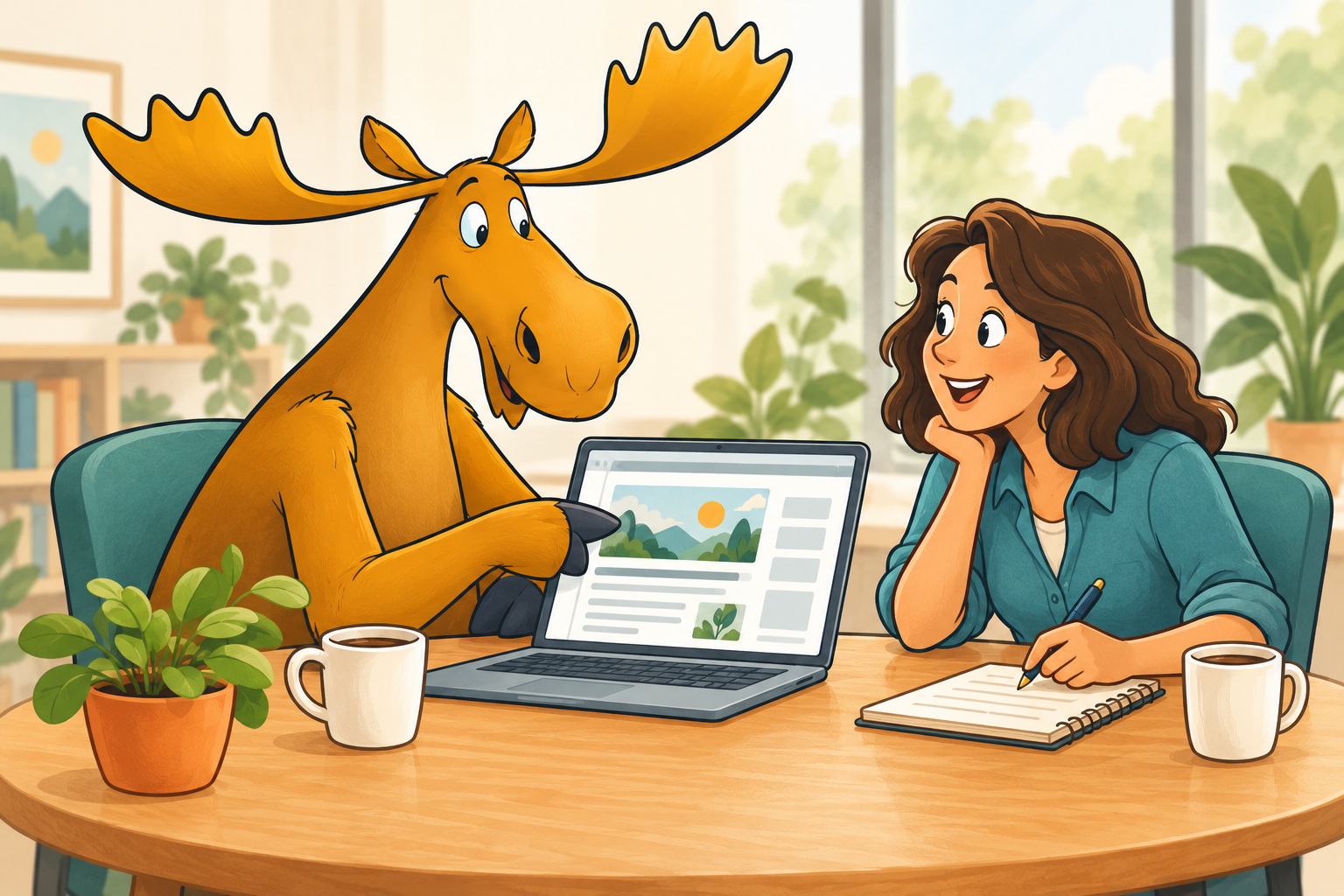
If you’d like to manage your own content, we’ll give you access to your website’s blog feature and provide free training.
We’ll take you through writing, optimisation, publishing, checking Facebook previews and promoting your article through suitable social channels and your Google Business Profile.
There’s no additional training charge. You bring your business knowledge, photographs and a little time; we’ll help you learn the process.
Start with one customer question, one useful article and a few well-placed posts.
Ready to have a go? Email or WhatsApp Koo to arrange your free blog training.
share this
Related Articles
Related Articles



CALL ME BACK
ready to talk?
Do you want to see how We can help your business grow?
No hard sell, no obligation - just fill in the details below and we'll get back to you!
Call me back

 by
by